


 Home
Home
 Solution
 Case Studies
 Blogs
Blogs


- AI Services
Website Accessibility: A Practical Guide for Business Owners
Website Accessibility: A Practical Guide for Business Owners
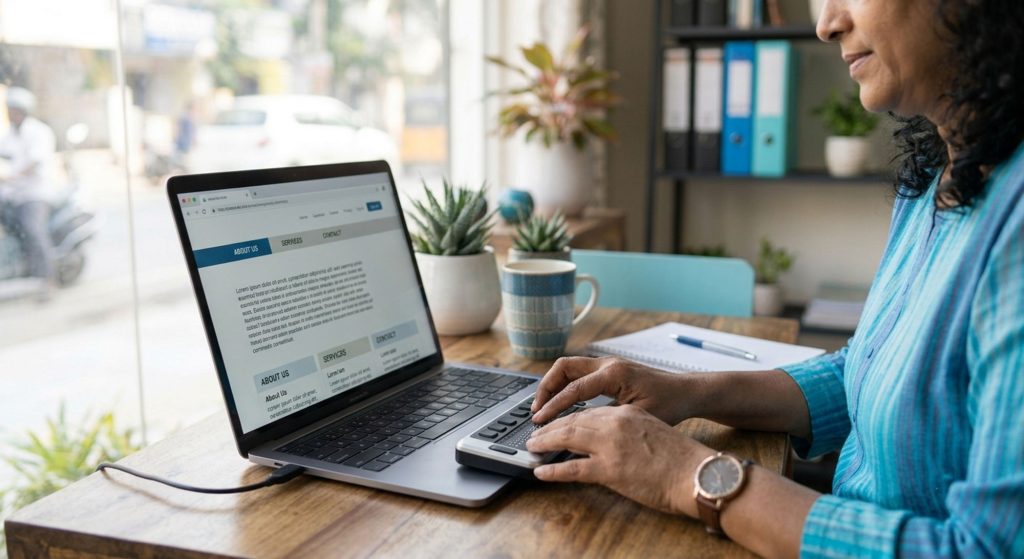
Website accessibility ensures that people of all abilities can use your website effectively. Making your website accessible improves usability, expands your audience, and reduces potential legal and reputational risks. It's not just a technical requirement—it's an essential part of creating a better online experience for every visitor.
Why Accessibility Matters Beyond Compliance
Millions of people rely on accessible websites every day. Visitors with visual, hearing, motor, or cognitive disabilities may use screen readers, keyboards, voice controls, or other assistive technologies. An inaccessible website can prevent them from accessing your products, services, or information altogether.
The Legal and Reputational Dimension
Accessibility is becoming an important business responsibility. In many regions, inaccessible websites can create legal challenges, while businesses that prioritize inclusive digital experiences demonstrate professionalism, attention to detail, and a commitment to serving every customer equally.
Core Accessibility Principles
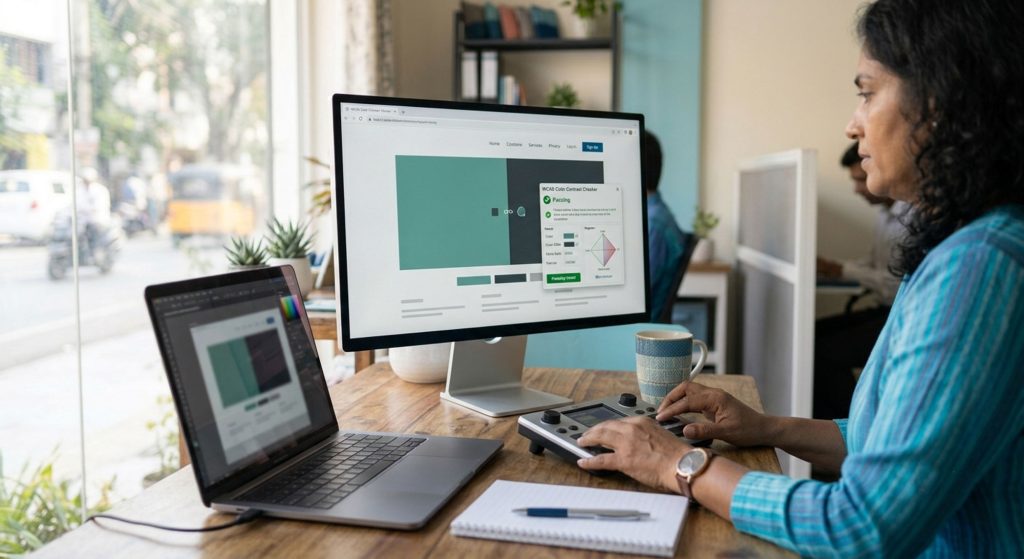
Good accessibility starts with simple, practical improvements. High color contrast makes text easier to read, keyboard-friendly navigation allows users to browse without a mouse, descriptive alt text helps screen reader users understand images, and clear navigation structures make websites easier for everyone to follow.
Readable Content Improves Every Experience
Clear typography and accessible media benefit all visitors. Readable font sizes, layouts that remain usable when zoomed, and captions or transcripts for videos and audio help people with different abilities while also improving usability for users browsing on mobile devices or in noisy environments.
Common Accessibility Mistakes
Many accessibility issues are easy to avoid. Using color alone to communicate important information, missing or vague image descriptions, poor heading hierarchy, and auto-playing media without user controls can all create unnecessary barriers for visitors using assistive technologies.
A Practical Starting Approach
Begin with an accessibility audit. Use automated accessibility testing tools alongside real-world testing with keyboard navigation and screen readers to identify the most significant issues. Addressing high-impact improvements first provides meaningful benefits without requiring a complete website redesign.
Build Accessibility Into Future Updates
Accessibility should become part of your regular workflow. Checking color contrast, writing descriptive alt text, maintaining logical heading structures, and testing new pages for accessibility helps ensure your website remains inclusive as it grows and evolves.
The Business Case Beyond Risk Avoidance
Accessible websites provide a better experience for everyone. Clear navigation, well-structured content, responsive layouts, and readable design improve usability, increase visitor satisfaction, and often contribute to stronger SEO performance by making content easier for both users and search engines to understand.
Want your website evaluated for accessibility and usability?
Our web accessibility specialists can audit your website, identify usability barriers, implement accessibility best practices, and help create an inclusive digital experience that benefits every visitor while supporting long-term business growth.
Book Free Consultation


